Prepare less between lessons
Create a fresh example or practice set inside the board instead of switching to a worksheet or another tab.
Built for live maths tutoring
Teach the exact task your student needs next. Altitude LessonLab gives you one live workspace to explain, draw, generate practice, and adapt the difficulty without leaving the lesson.
Create a private teacher account, then open a LearningRoom and share its individual student invite link.
Live demo board
Private LearningRooms and invite links
Basic, Standard, Hard, Extension, Problem Solving
Saved rooms and lesson pages
Why tutors use Altitude LessonLab
A good tutoring lesson responds to what the student understands right now. Altitude LessonLab keeps the next question, the explanation, and the student workspace close together.
Create a fresh example or practice set inside the board instead of switching to a worksheet or another tab.
Move from Basic through to Problem Solving when the student is ready for the next step.
Type, draw, use maths tools and annotate questions without interrupting the teaching conversation.
Share a room-specific invite link so the student can join the same LearningRoom and follow the board.
The generator, in context
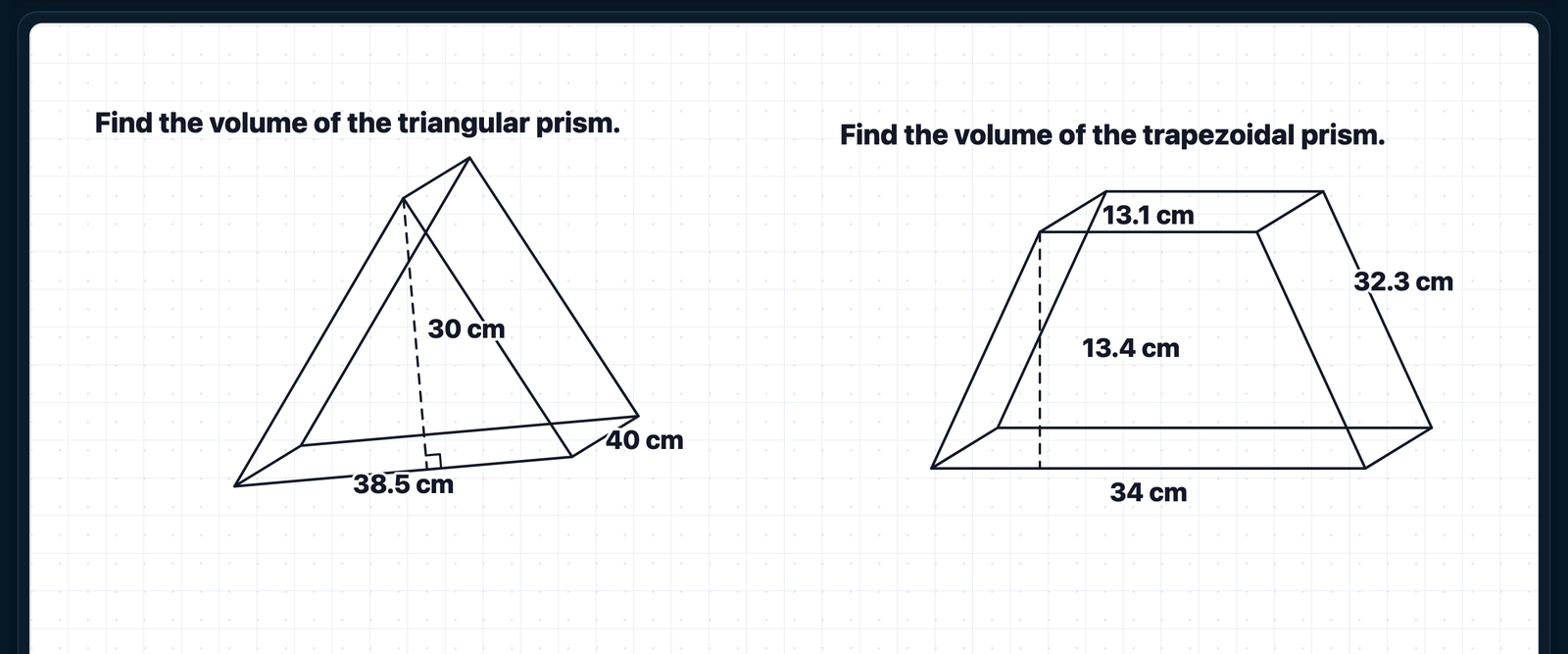
Use a simpler entry point, core practice, a more demanding calculation, an extension, or a proper problem-solving task. Insert several questions when the student needs practice, then work over them in the same room.
Topic-specific diagrams where they help
Maths tools for graphs, shapes, coordinates and more
Direct calculations and sentence-only problem-solving questions
A4 lesson pages alongside free-form whiteboard work
How a lesson runs
A seamless flow designed to keep every minute focused, interactive, and impactful.

Private tutoring workspace
Private tutoring workspace
Choose where to begin
Start a new room
Open a clean boardOpen a saved lesson
Continue where you left offStart a clean board or reopen a saved lesson page when it's time to teach.
Fractions
1Equivalent fractions
2Simplifying fractions
3Comparing fractions
4Adding fractions
Pick the topic and use the generator mode that suits the student's current understanding.
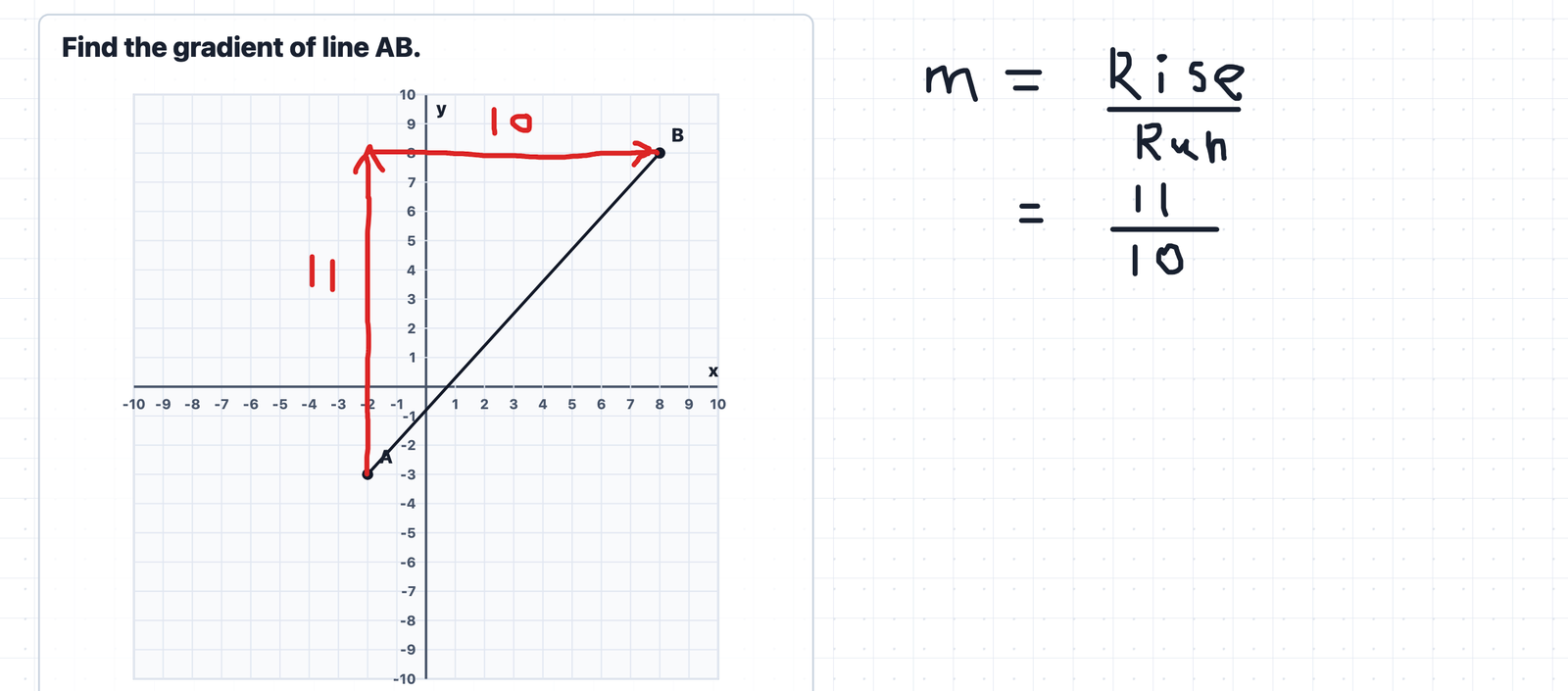
Write over the question, draw the explanation, add another example, and keep the lesson in one place.
Plans built around lesson capacity
Every paid plan includes the same core LearningRoom and a 14-day trial. The difference is how much ongoing teaching capacity you need. All prices are in AUD; Stripe confirms any applicable taxes before payment.
For an independent tutor building a regular online lesson routine.
A$9
Per month
Annual
A$90
Per year, billed annually
Save 17% · A$18 each year
Up to 8 active LearningRooms · 500 generated questions/month
For an established tutor teaching a consistent weekly student schedule.
A$25
Per month
Annual
A$240
Per year, billed annually
Save 20% · A$60 each year
Up to 30 active LearningRooms · 2,500 generated questions/month
For a tutoring practice that needs substantially more lesson capacity.
A$79
Per month
Annual
A$758
Per year, billed annually
Save 20% · A$190 each year
Up to 120 active LearningRooms · 10,000 generated questions/month
For an academy owner who needs higher-capacity lesson delivery.
A$199
Per month
Annual
A$1,910
Per year, billed annually
Save 20% · A$478 each year
Unlimited active LearningRooms · 50,000 generated questions/month
Question allowance: Each generated question counts separately, batch generation is counted per question, and the allowance resets monthly.
Workspace usage: Question allowances are shared across the tutor seats on the account. Unused questions do not roll over.
Room capacity: The room limit applies to non-archived LearningRooms. Archive rooms you no longer need active.
Final payment details are always shown in Stripe Checkout before a payment is made.
Questions before you start?
Each LearningRoom has its own student invite link. Share that link and the student joins the matching room.
Yes. A teacher's LearningRooms and lesson pages are saved so you can return to the same lesson later.
Yes. Students begin in teacher-following mode, and the teacher can allow a free view when it suits the activity.
Yes. Camera and microphone controls are available in the LearningRoom when the browser has permission to use them.
The generator includes topic-specific questions, diagrams where appropriate, and Basic, Standard, Hard, Extension, and Problem Solving modes.
Plans use Stripe Checkout and the Stripe billing portal. Final payment details are shown before payment, and plan management happens through Stripe.
Ready for the next lesson?
Create your teacher account, set up a private LearningRoom, and invite your student when you are ready to teach.